
Social networking site Twitter allows users to post (tweet), and share (retweet) short messages. Tweet limits doubled in 2017 to 280 characters, creating a diverse collection of concise and readable content.
I took off on the Twitter flight with my key concepts: inquiry learning, challenges, implementing:
Search strings return the same results
Filters
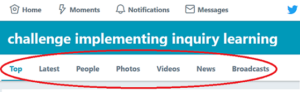 Image 6.1. Screen cap of available tweet filters.
Default results are displayed in non-chronological order under ‘Top’ results, which according to Twitter (2018):
…are selected through an algorithm… Top Tweets are the most relevant Tweets for your search. We determine relevance based on the popularity of a Tweet (e.g., when a lot of people are interacting with or sharing via Retweets and replies), the keywords it contains, and many other factors. – Twitter Search Result FAQs
Whilst ‘Top’ shows popular content, it can be outdated; switching to ‘Latest’ will display recent tweets, and add currency and credence to results. Tweets can be filtered by the additional content headers also (see Image 6.1)
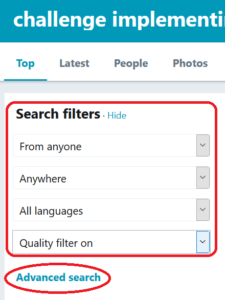
Image 6.2. Screen cap of search filters and advanced search location on Twitter’s website.
Using the Twitter app, I was unaware of advanced search and filter options on the website. Being aware of device limits is important, as it can impact the search scope.
I hoped a minor search variation would return additional results:
implementing to implement and implement*
But instead, nothing, suggesting Twitter completes exact word matches and does not support truncation(*).
Whilst exact searching has implications for accuracy, it provides a potential filter for narrowing results based on regional terminology and/or spellings.
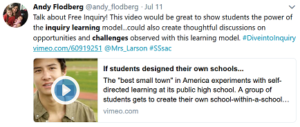 Image 6.3. Screen cap of tweet that led to The Independent Project Vimeo.
Although not prudent to my questions, I found this interesting video of inquiry learning in action: The Independent Project – students creating their own school and learning curriculum.
I follow NSW education organisations and lecturers on Twitter, and found multiple retweets from these tweeters featuring eye-catching diagrams, labelled #inquirymindset. If following fellow professionals, Twitter facilitates unlimited connections to useful resources.
What is #inquirymindset?
Excess search words narrow Twitter results, as seen when this string returned more results. Word searches match to hashtags and tweet content, increasing results, but lowering relevance.
#Hashtag searches will only match hashtags, and are thus more fruitful.
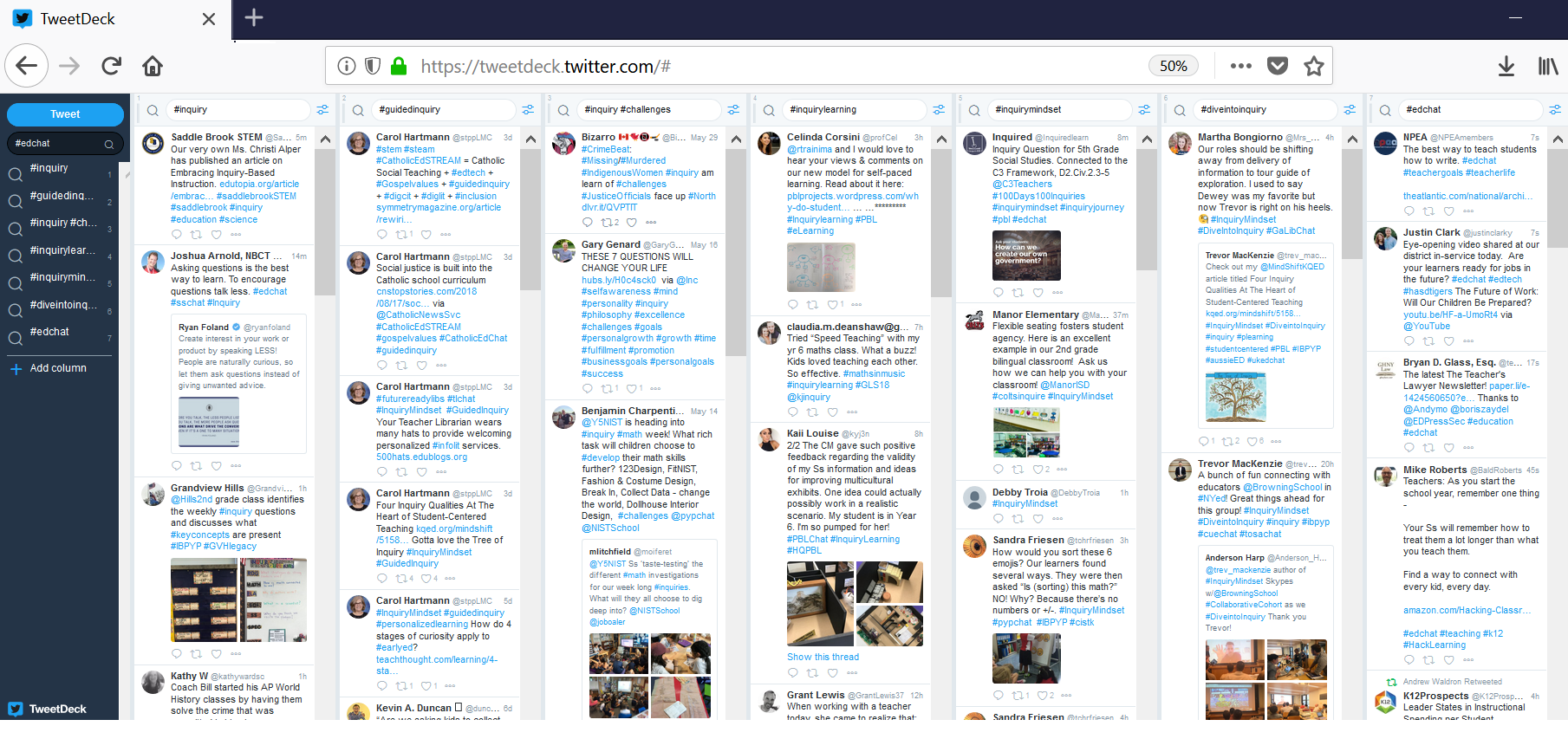
Conclusion: #Hashtags are Twitter’s comparative database thesaurus, with billions of ‘librarians’ creating constantly envolving catalogue terms. Unless indexed with multiple hashtags, #guidedinquiry and #inquiry will return different results. This makes for an interesting catalogue model
Twitter is economy. Plenty of seats and tweets available in this simple setup, with small tweets limiting your personal space congestion. Tweets, by default, come in the upright position, ‘Top’, but can be reclined to ‘Latest’ for current results. The shared knowledge network builds your concept understanding through links, implementation examples, resources and links, whilst allowing networking with fellow professionals. But beware of bias: tweeters tend to share their likes, not their dislikes or failures. Finally, increase your comfort with #hashtag searches, as #hashtags act as a mini cataloguing system.
Off-Topic: Learn more about characters and expression (inspired by Twitter blog about)
New #hashtags: #DoSomething, #DiveintoInquiry, #edtechteam, #collaboration, #Makerspace, #edchat, #inquiryed
New Followings: Trevor Mackenzie (@trev_mackenzie), Sylvia Duckworth (@sylviaduckworth), Kath Murdoch (@kjinquiry), Rebecca Bathurst-Hunt (@rbathursthunt)
– – – – – – – – – –